
Want to extract beautiful color palettes from images effortlessly? 🎨 In this post, we’ll show you 5 quick and easy ways to generate stunning color palettes from images online. Whether you’re a designer, artist, or content creator, these tools will help you grab color inspiration from any image in seconds! 🚀
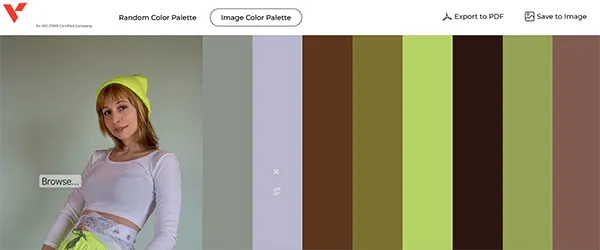
1. Vocso – Colour Palette Generator from Image
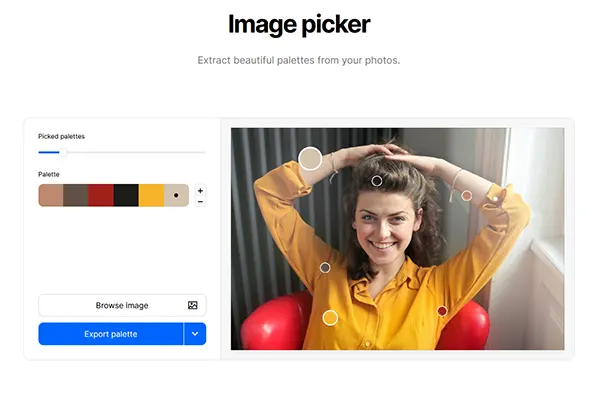
2. Coolors – Image Picker
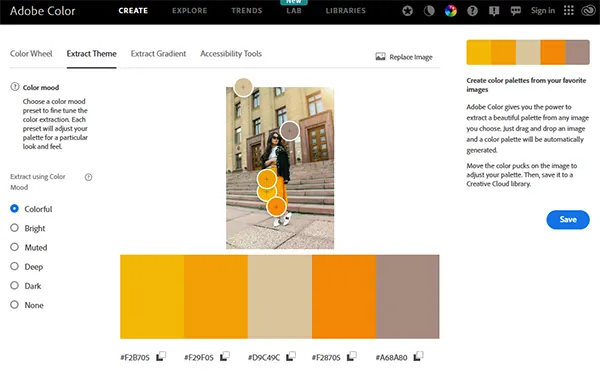
3. Adobe Color
4. Canva – Color Palette Generator

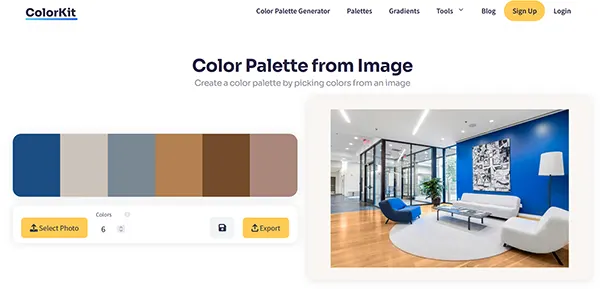
5. Colorkit – Color Palette from Image
📌 Subscribe to CreativeAlys for more design tips & tutorials!
👍 If you found this helpful, don’t forget to like, comment, and share!
Suggested Pro Downloads
-

Hand Drawing Paper PSD Mockup
$2.99 Add to cart -
Sale!

Luxury 3D Gold Wall Logo Mockup PSD
Price range: $5.99 through $15.00 Select options This product has multiple variants. The options may be chosen on the product page -

Modern Spa & Massage Logo Design
$7.99 Add to cart -

Happy Businessman Jumping Vector Illustration
$1.49 Add to cart
Latest from @CreativeAlys YouTube Channel

70s Bubbly 3D Typography Tutorial | Adobe Illustrator

Flat 2D to 3D Stone Wall in Seconds! ⚡ #shorts #photoshop

How to Use 3D Stone Wall Logo Mockup in Photoshop (in 18 Seconds!) | CreativeAlys

Free 3D Stone Wall Logo Mockup PSD Tutorial | How to Edit & Customize in Photoshop

How to Display Latest YouTube Videos in WordPress (Free, Fast & No API Limits)

Free 3D Steel Logo Mockup PSD - Quick Photoshop Tutorial
💡 Want this video grid on your site? Get CreativeAlys Recent Videos for YouTube for free, or read the
Setup Guide →

Leave a Comment