
In this tutorial, you will see how to create Burst in Adobe Illustrator. Your designs and images can be artistic and lively using this simple Illustrator tutorial. Create stunning brochures, flyers, website and social media headers and posts with this cool burst effect. Download the Adobe Illustrator (AI) source file used in the video below. Enjoy watching the video, but don’t forget to subscribe the channel. Hit the SUBSCRIBE BUTTON NOW for more interesting videos and tricks. Also don’t forget to visit our design shop for great graphic design resources.
Download Source File Subscribe YouTube
Suggested Pro Downloads
-

Automotive Logo PSD Mockup
$2.99 Add to cart -

Femme Aesthetics – Beauty, Spa & Wellness Logo Template (Vector)
Price range: $29.00 through $125.00 Select options This product has multiple variants. The options may be chosen on the product page -
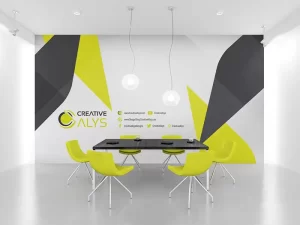
Corporate Wall Design
$9.99 Add to cart -

Logistics Company Logo Design
$3.99 Add to cart
Latest from @CreativeAlys YouTube Channel

70s Bubbly 3D Typography Tutorial | Adobe Illustrator

Flat 2D to 3D Stone Wall in Seconds! ⚡ #shorts #photoshop

How to Use 3D Stone Wall Logo Mockup in Photoshop (in 18 Seconds!) | CreativeAlys

Free 3D Stone Wall Logo Mockup PSD Tutorial | How to Edit & Customize in Photoshop

How to Display Latest YouTube Videos in WordPress (Free, Fast & No API Limits)

Free 3D Steel Logo Mockup PSD - Quick Photoshop Tutorial
💡 Want this video grid on your site? Get CreativeAlys Recent Videos for YouTube for free, or read the
Setup Guide →


Leave a Comment