
A step-by-step guide to show you how to create retro beams in Adobe Illustrator using the easiest method. Following the tutorial you can create different types of retro beams in vector for your graphic design projects and make them look awesome with beautiful beam effects. So don’t miss this tutorial. Also check out our freebie section to download professional graphic design resources for free and our design shop for more professional graphic design resources.
Suggested Pro Downloads
-
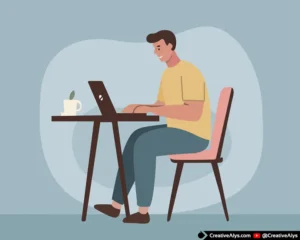
Man Working on Laptop – Flat Vector Illustration
$5.99 Add to cart -
Jeans Wrinkled PSD Logo Mockup
$2.99 Add to cart -
Sale!

Premium Elegant Fashion Boutique Logo Kit (3 Versions Included)
Price range: $19.00 through $75.00 Select options This product has multiple variants. The options may be chosen on the product page -
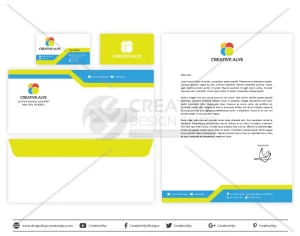
Corporate Business Card & Stationery Design Template
$5.99 Add to cart





Leave a Comment