

Description
Elevate Your Brand Presentation to a Professional Standard.
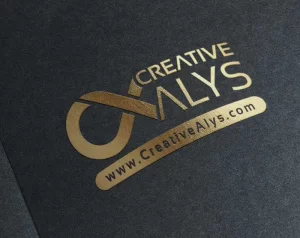
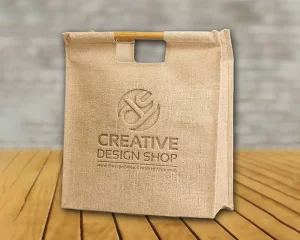
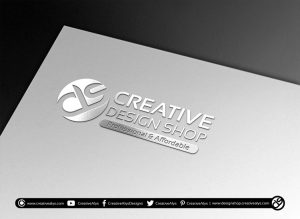
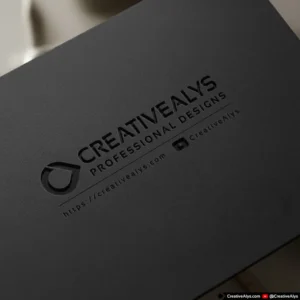
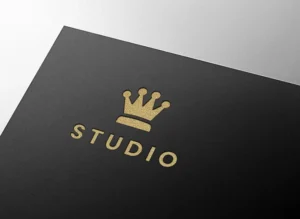
Present your logo and branding designs with unmatched realism using our premium Debossed Logo Mockup. Meticulously crafted for discerning designers, this high-resolution PSD template simulates a beautiful, tactile debossed (press) effect on a luxurious dark paper texture. It’s the perfect tool for creating a powerful first impression.
Why This Premium Mockup is an Essential Asset:
- Ultimate Realism: Expertly crafted lighting, shadows, and textures create a flawless, photorealistic debossed effect that makes your design look like a real-world, high-end print.
- High-Resolution Output: The high-resolution file ensures your presentation will look sharp and professional on any display, from 4K monitors to retina screens, and is suitable for print portfolios.
- Effortless Customization: Simply place your design into the Smart Object layer. The mockup handles all the complex effects, instantly transforming your flat logo into a dynamic, debossed masterpiece.
- Perfect for Client Work: Impress your clients and stakeholders with a professional and tangible representation of their brand identity, helping them visualize the final product and approve designs faster.
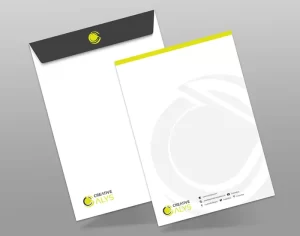
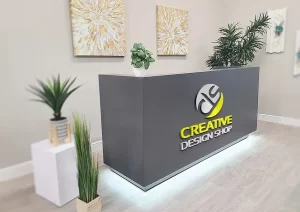
- Versatile Application: Ideal for graphic designers, branding agencies, and freelancers looking to showcase logos, monograms, or typographic marks in their portfolios, client presentations, or on social media.
How to Use:
- Open the PSD file in Adobe Photoshop.
- Locate the “YOUR LOGO HERE” Smart Object layer.
- Double-click the Smart Object thumbnail to open a new window.
- Place your logo design onto this new canvas.
- Save the Smart Object (Ctrl+S or Cmd+S).
- Return to the main PSD file, and your logo will be perfectly applied with the debossed effect!
Invest in a tool that reflects the quality of your work. This premium mockup will become an indispensable part of your design toolkit.



Reviews
There are no reviews yet.