
A step-by-step guide to show you how to create retro beams in Adobe Illustrator using the easiest method. Following the tutorial you can create different types of retro beams in vector for your graphic design projects and make them look awesome with beautiful beam effects. So don’t miss this tutorial. Also check out our freebie section to download professional graphic design resources for free and our design shop for more professional graphic design resources.
Suggested Pro Downloads
-
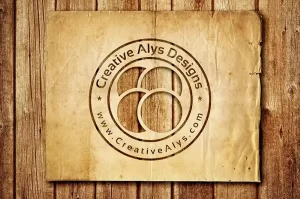
Old Paper Cutout Logo PSD Mockup
$2.99 Add to cart -
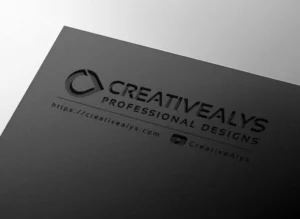
Debossed Logo Mockup on Dark Cardstock
$7.99 Add to cart -
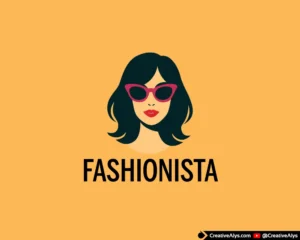
Fashionista Woman Face Logo
$12.00 Add to cart -
Sale!
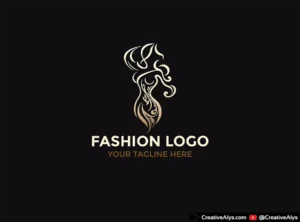
Creative Fashion Logo Design – Luxury Woman Silhouette (Gold, Black & White)
Original price was: $25.00.$12.99Current price is: $12.99. Add to cart


Leave a Comment