
Description
Present Your Brand in a New Light
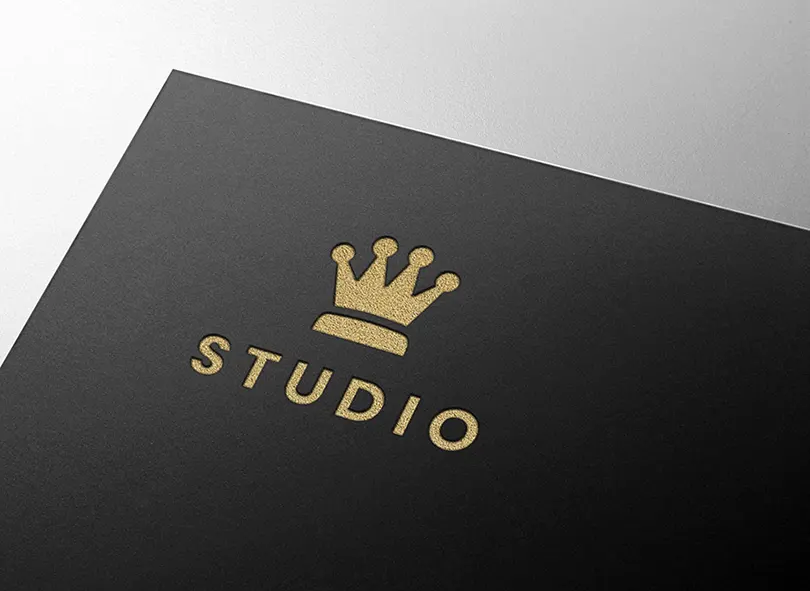
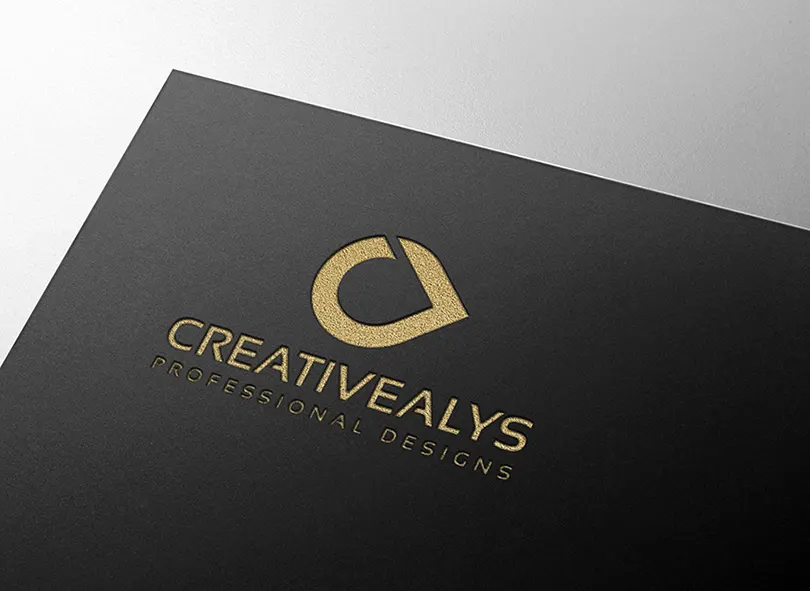
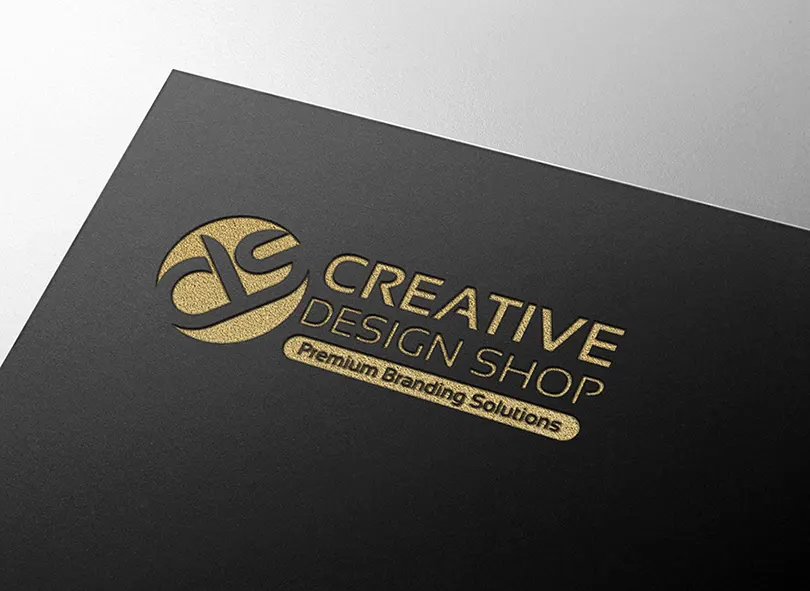
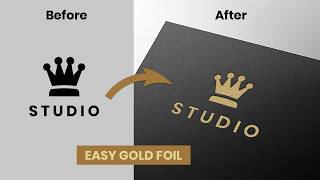
Make a lasting impression on your clients with the Premium Gold Embossed Logo Mockup. Whether you are presenting a brand identity for a high-end real estate firm, a luxury boutique, or a modern creative agency, this mockup provides the tactile, expensive feel of authentic hot-foil stamping.
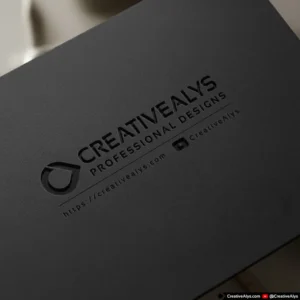
We’ve meticulously crafted the lighting, paper texture, and flawless 3D perspective to ensure your design doesn’t just look “pasted on,” but actually appears stamped deeply into the premium dark cardstock.
Key Features:
- Unmatched Realism: Features a sophisticated, elegant gold tone with realistic metallic grain and deep, crisp embossing shadows.
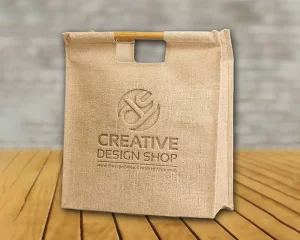
- Flawless Perspective: Carefully calibrated to ensure your logo warps perfectly to the natural vanishing lines of the photographed paper. Works perfectly for typography, horizontal marks, and complex circular badges.
- Effortless Customization: Built with Photoshop Smart Objects. Simply double-click the layer, paste your flat logo, hit save, and watch the magic happen.
- High Resolution: Crisp, detailed files suitable for professional portfolio presentations, Behance case studies, and social media marketing.
Perfect For:
- Brand Identity Designers
- Creative Agencies
- Freelance Graphic Designers
- Luxury Brand Presentations
What’s Included:
- 1 High-Resolution PSD File (2400 x 1750 px)
- Organized, color-coded layers
How to Use:
- Open the PSD file in Adobe Photoshop.
- Locate the “YOUR LOGO HERE” Smart Object layer.
- Double-click the Smart Object thumbnail to open a new window.
- Place your logo design onto this new canvas.
- Save the Smart Object (Ctrl+S or Cmd+S).
- Return to the main PSD file, and your logo will be perfectly applied with the gold embossed effect!
Licensing Information:
- Standard License: Ideal for personal projects, single client use, or non-commercial applications.
* For full details, please refer to our Licensing Terms.





Reviews
There are no reviews yet.