
In this Illustrator tutorial, you will see the easiest way for how to pick any color from a raster image in Adobe Illustrator. This will help, if you are creating an illustration from a raster image, and want to incorporate the real-time colors of that image to your illustration. Following the method you will be able to pick any color from any raster image just within Adobe Illustrator with the use of simple Eyedropper Tool.
Subscribe to our YouTube Channel to get more amazing stuffs. Also don’t forget to visit our premium section for more great design resources at unbeatable price.
Credits:
Design by CreativeAlys – Don’t forget to share your creations with #CreativeAlys!
You May Like
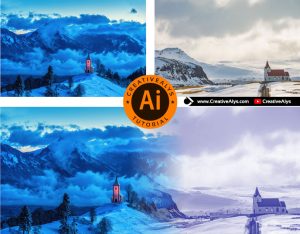
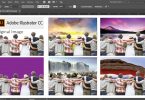
Illustrator Tutorial | How to Merge Images Seamlessly
This is absolutely an amazing tutorial for all. You won’t believe that you can merge images seamlessly in Adobe Illustrator...
Suggested Pro Downloads
-

Logistics Company Logo Design
$3.99 Add to cart -
Sale!
Premium Gold Embossed Logo Mockup on Black Paper
Original price was: $10.00.$7.99Current price is: $7.99. Add to cart -

Elegant Female Fashion Logo
$12.00 Add to cart -

Woman Working on Laptop in Cozy Home Office Vector Illustration
$5.99 Add to cart

Leave a Comment