Here is a good tutorial for graphic design beginners and intermediates to learn how to create a 3D vector globe in Adobe Illustrator using simple method within 5-7 minutes. This Illustrator tutorial shows the use of 3D Revolve effect using Map Art. Following the process you can create your own 3D vector globes with focus on different regions of the world as per your needs and use them creatively.
The vector world map used in the tutorial can be downloaded for free. Watch the tutorial as its really worth watching it. Source file of the tutorial is also available for free download. Feel free to share and also don’t forget to subscribe YouTube Channel to get more amazing stuffs and useful information.
Credits:
Design by CreativeAlys – Don’t forget to share your creations with #CreativeAlys!
You May Like
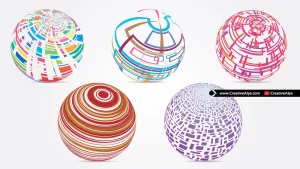
Abstract Vector Globes: The World Needs to be Repaired from War, Climate Change, and Injustice
Explore our free collection of abstract vector globes featuring a damaged world plagued by war, climate change, destructions, earthquakes, storms,...
Suggested Pro Downloads
-
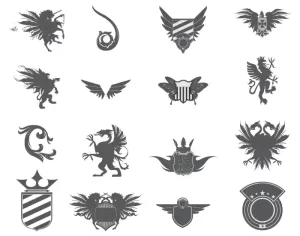
Heraldic Elements Set
$1.99 Add to cart -
Corporate Company Logo
$3.99 Add to cart -
Femme Aesthetics – Beauty, Spa & Wellness Logo Template (Vector)
Price range: $29.00 through $125.00 Select options This product has multiple variants. The options may be chosen on the product page -
Luxury Metallic Foil Logo Mockup Bundle (Gold & Silver)
$12.00 Add to cart