
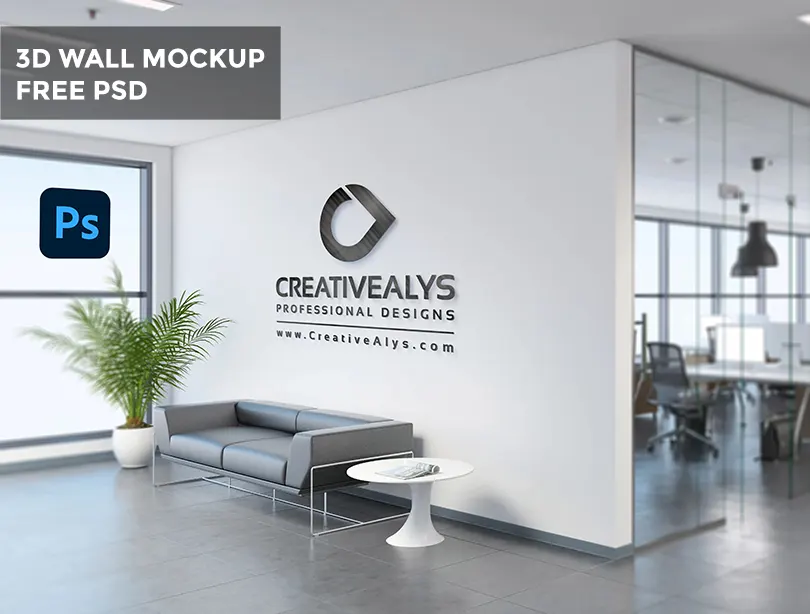
Give your corporate logo designs a professional, realistic presentation with this Free Office Wall Logo Mockup PSD. Designed for graphic designers, agencies, and branding specialists, this high-resolution Photoshop template lets you display your logo on a modern office wall with realistic depth, lighting, and shadow effects.
📥 Download Office Wall Logo Mockup (PSD)
File Format: Layered PSD | Smart Object | File Size: High Resolution (300 DPI)
Why Use This Corporate Wall Logo Mockup?
First impressions matter when presenting brand identity projects to clients. Using a photo-realistic office interior background helps clients visualize how their logo will look in a real-world corporate workspace or reception area.
Key Features:
- Smart Object Enabled: Easily double-click, place your design, save, and you’re done!
- High Resolution: Crisp details suitable for high-res portfolio showcases on Behance, Dribbble, or website portfolios.
- Editable Effects: Fully adjustable shadow, specular highlight, and wall texture layers.
- 100% Free: Available for both personal and commercial branding projects (attribution required).
How to Insert Your Logo in Photoshop (Video Tutorial)
Watch the step-by-step video tutorial below to see how easy it is to customize this mockup in Adobe Photoshop using Smart Object layers:
Step-by-Step Quick Guide:
- Download and extract the ZIP file to access the Photoshop PSD template.
- Open the file in Adobe Photoshop.
- Double-click on the Smart Object layer labeled
"Your Logo Here". - Paste your transparent PNG logo or vector shape inside the canvas.
- Save (Ctrl+S or Cmd+S) and close the Smart Object tab to view the 3D wall display result.
Preview Gallery
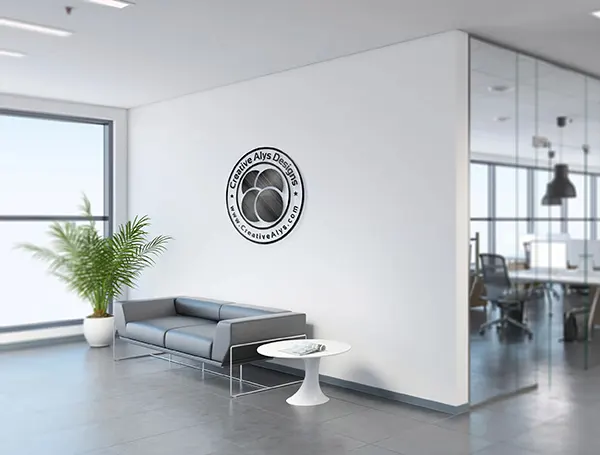
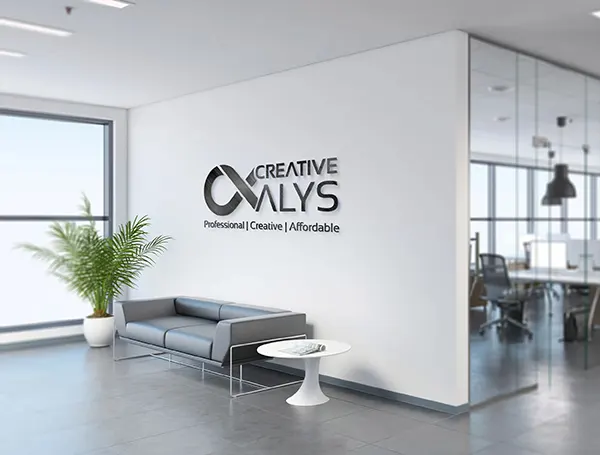
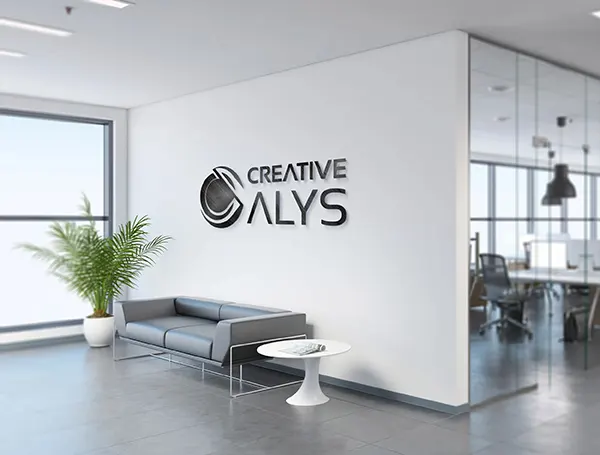
Check out how different logo styles render using this mockup:


Credits:
Design by CreativeAlys – Don’t forget to share your creations with #CreativeAlys!
You May Like
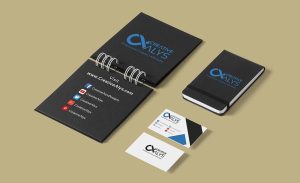
Corporate Stationery PSD MockUp
This is a simple yet distinctive corporate PSD mockup that includes an open and closed notebook to brand your design...








very good job
how can i download?
Download link is given in the content, click on Start Download button after the description.
Thanks!
Doesn’t work
THNKX
You’re welcome!
Please be specific, what is not working?